

Xero export is an app feature. There is no public API to connect Xero or trigger an export yet. Through the API you can read a file’s latest integration export result, and write one from your own system. See Check export status.
What you can export
Exports use the accounts, tax codes and tracking categories you have configured for the integration, so the same mapping is applied every time. The app shows each export’s status and the reason when an export fails.
How it works
Connect your Xero account
fileAI connects through Xero’s own OAuth2 sign-in. You sign in on Xero’s site, and fileAI never sees or stores your Xero password.1
Open Xero from Export Integrations
In Drive (your file repository), open the integration menu and select Xero under Export Integrations.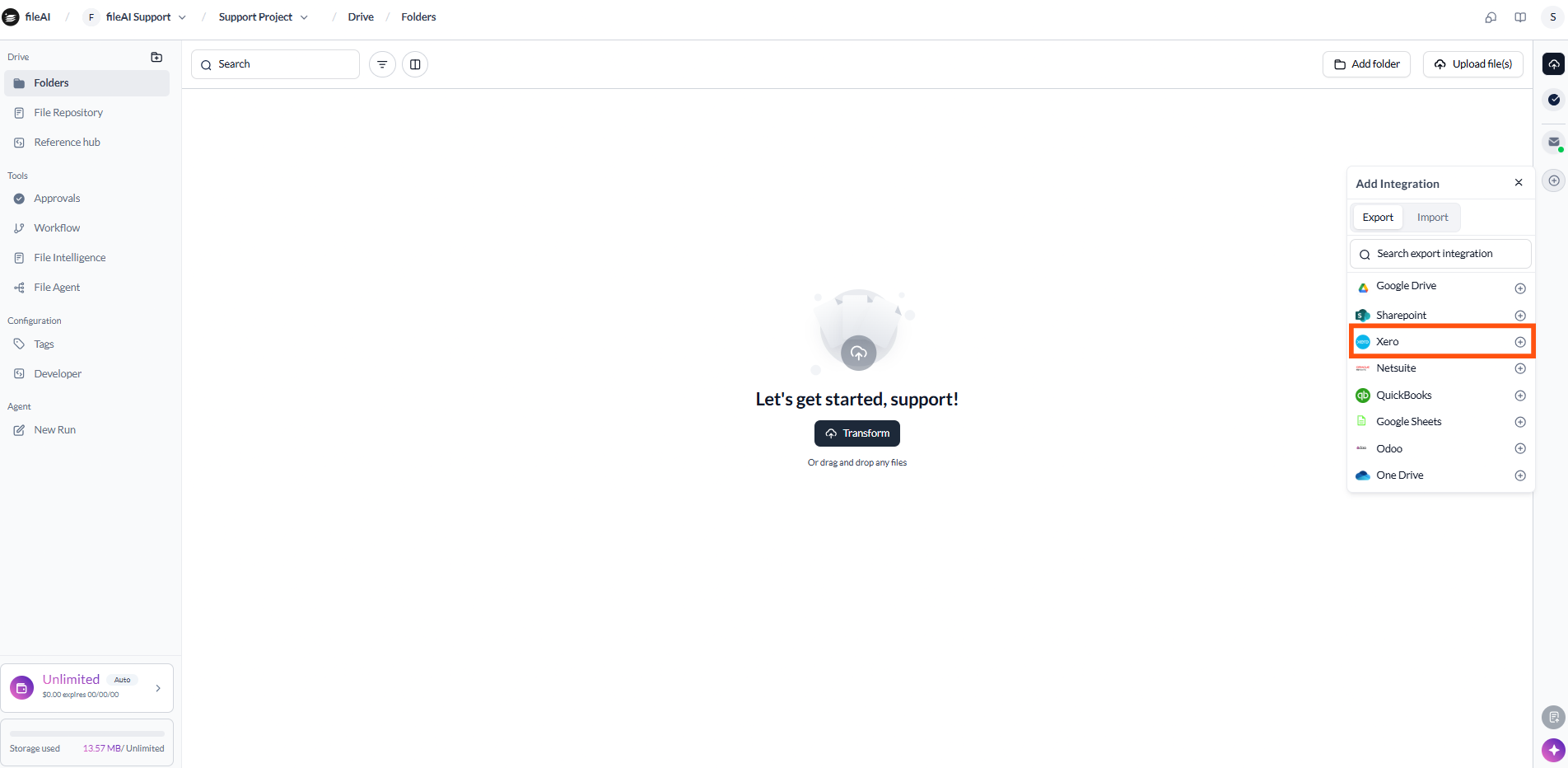
2
Sign in through Xero
You are redirected to Xero’s sign-in page. Sign in with your Xero account.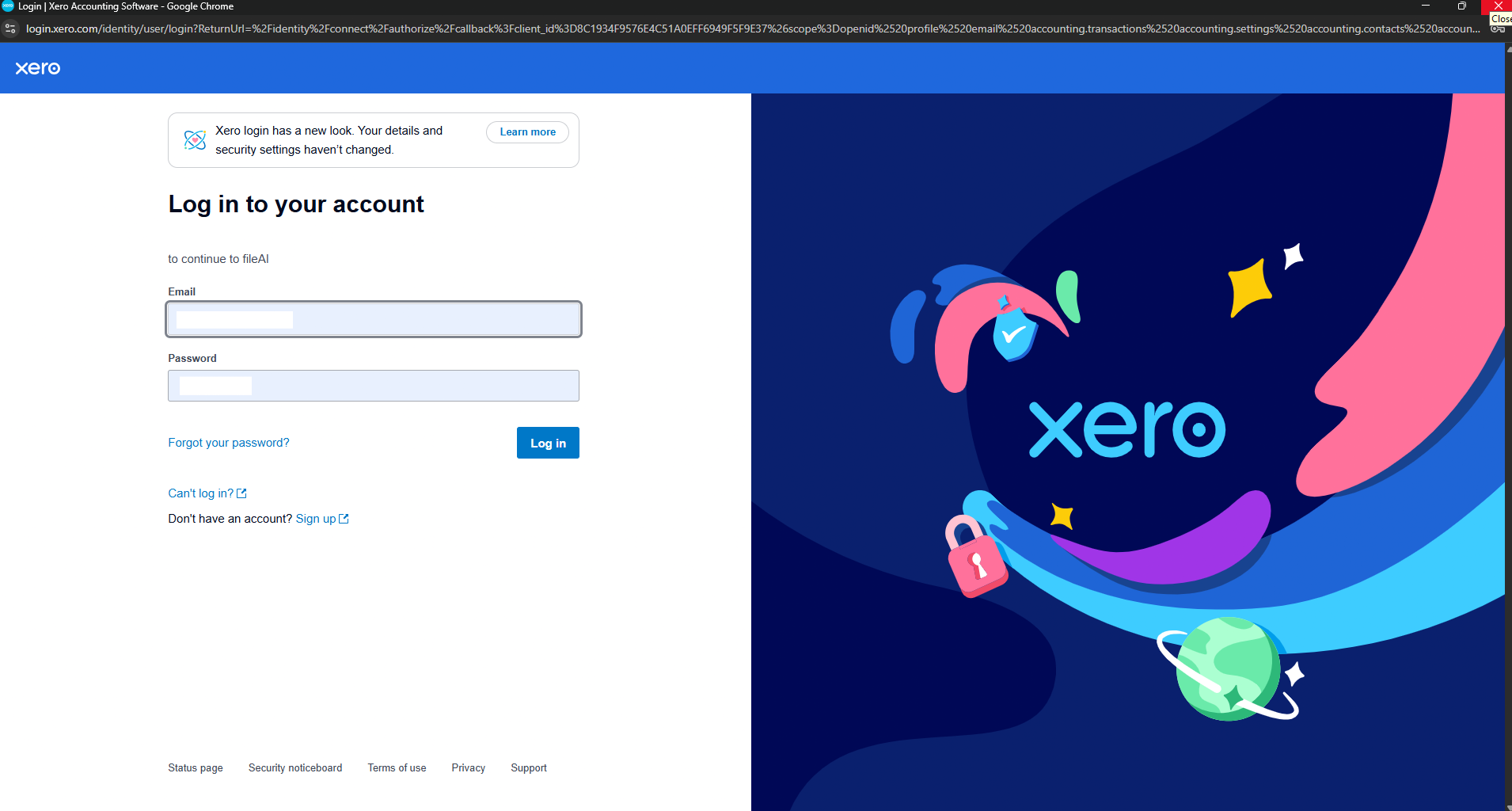
3
Choose your organization and allow access
Pick the Xero organization to connect, review the permissions Xero lists, and select Allow access.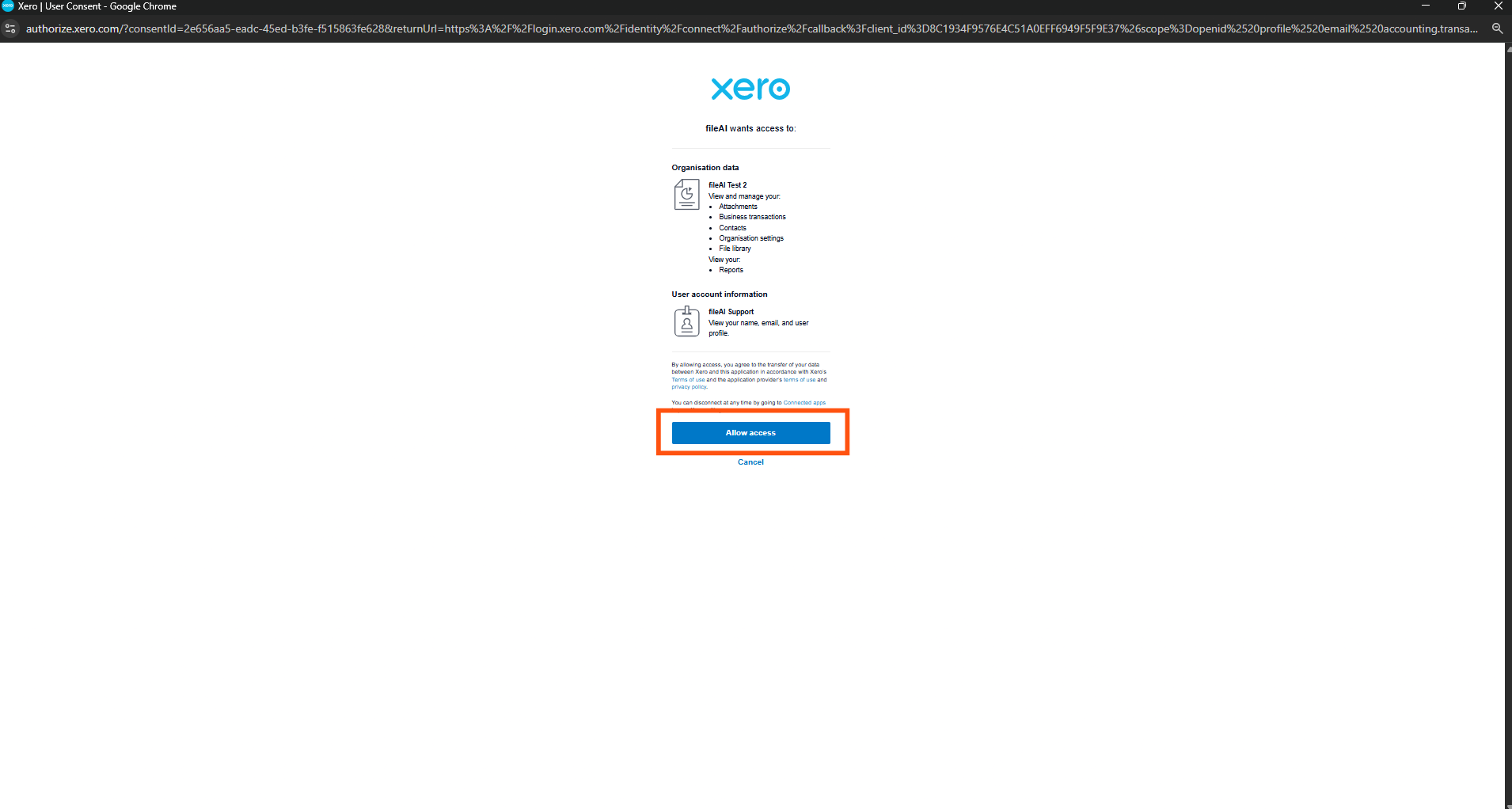
4
Confirm the connection
Back in fileAI, the Xero export icon now appears in the action bar.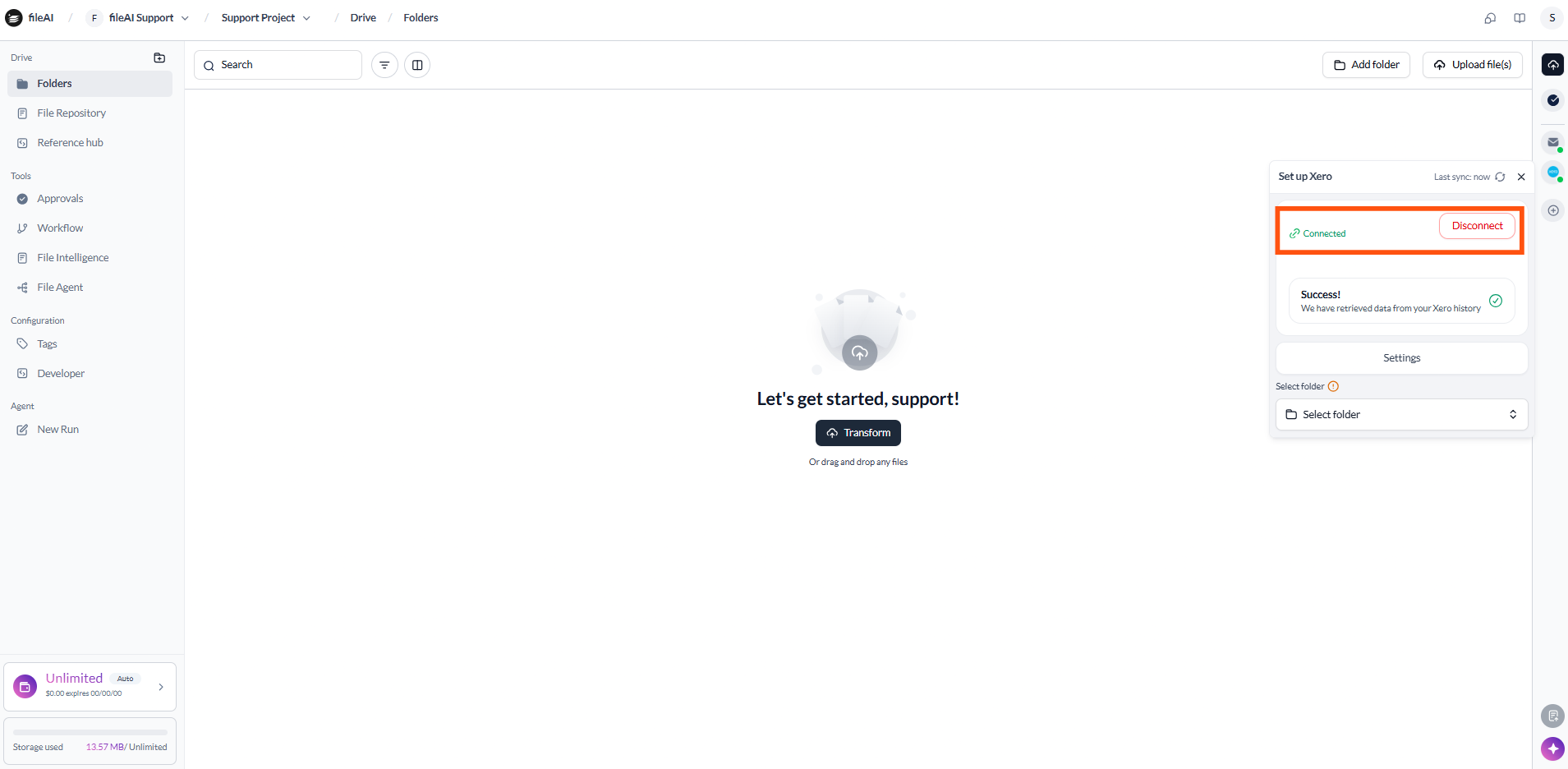
Download a bank statement for Xero
1
Open the file
Select the bank statement and open its AI Schema tab to review the extracted data.
2
Download as XERO_CSV
Open the Download dropdown at the upper right and choose XERO_CSV. The file is saved to your downloads folder when the progress bar finishes.
3
Import into Xero
Upload the CSV to Xero manually.
Check export status
Every file returned byGET /v1/files includes an exportInfo object once it has been exported through an integration:
Report an export from your own system
If you export files from fileAI to another system yourself, write the outcome back withPATCH /v1/files/{fileId}. fileAI stores it in the file’s exportInfo, sets integrationExportUpdatedAt, and adds an entry to the file’s activity in the app.
integrationExportStatus is required and must be one of the four values above; integrationExportMessages is optional. The response returns the fileId and the new exportInfo. FILEAI_BASE_URL is https://api.orion.file.ai/prod/v1, or your regional host.
Related
Multi-page financial report
Upload a file, wait for processing and read its values end to end.
AI Schemas
Define the invoice fields you extract before exporting.
Incremental loading
Read files, including
exportInfo, into your own systems.Notifications
Email the right people when a file meets your conditions.